Make your presenter
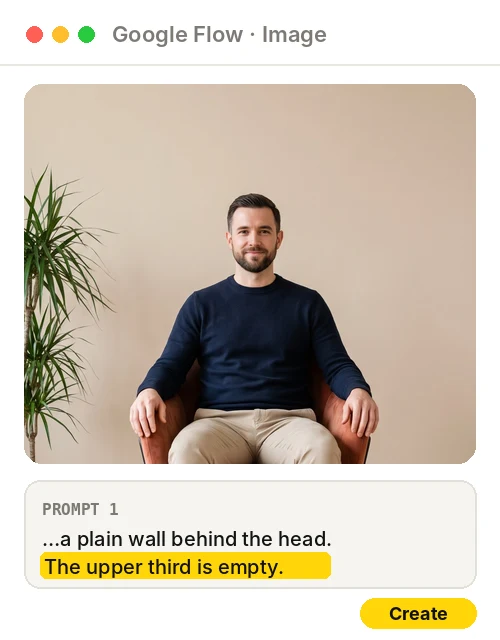
Paste Prompt 1 in Google Flow. A plain wall behind the head and an empty upper third: that is where the big words live.
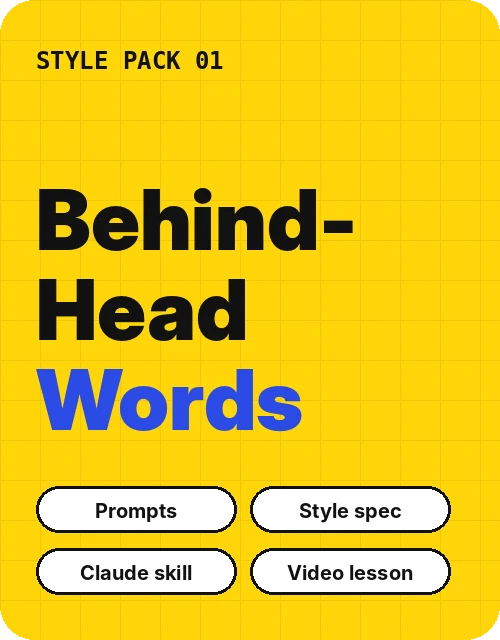
Style Pack 01 turns one AI talking clip into a reel like this one: big words behind the speaker's head, cards orbiting in 3D, a sound on every move. You paste the prompts. Claude does the edit.
One payment. Every future update included.
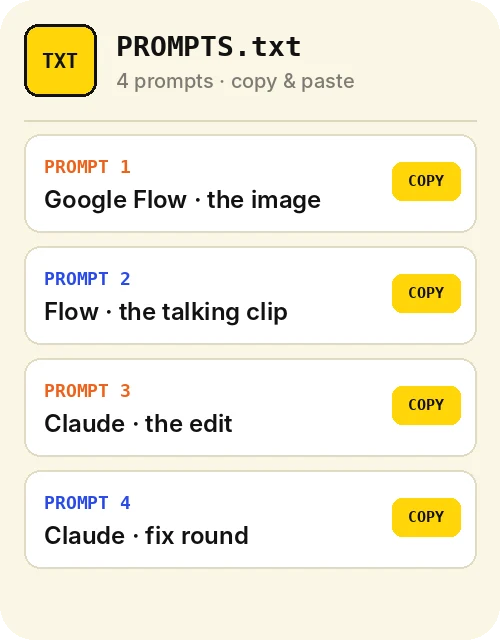
Left: the raw clip from Google Flow. Right: what Claude builds from it, frame by frame. Nothing was keyframed by hand.
Paste Prompt 1 in Google Flow. A plain wall behind the head and an empty upper third: that is where the big words live.
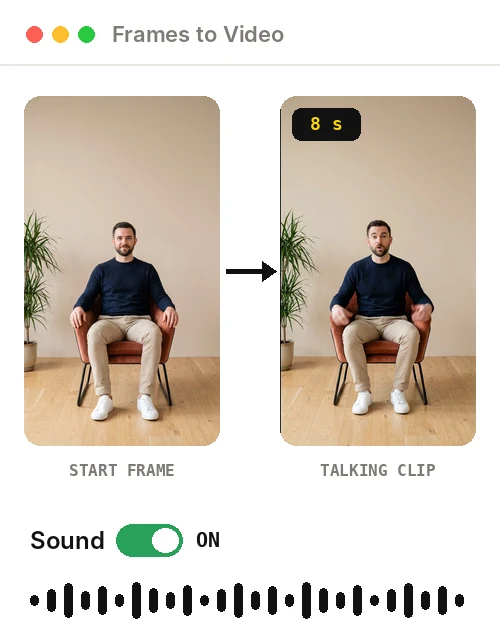
Frames to Video, sound on, one line of your script per 8-second clip. Real lip sync, no microphone.
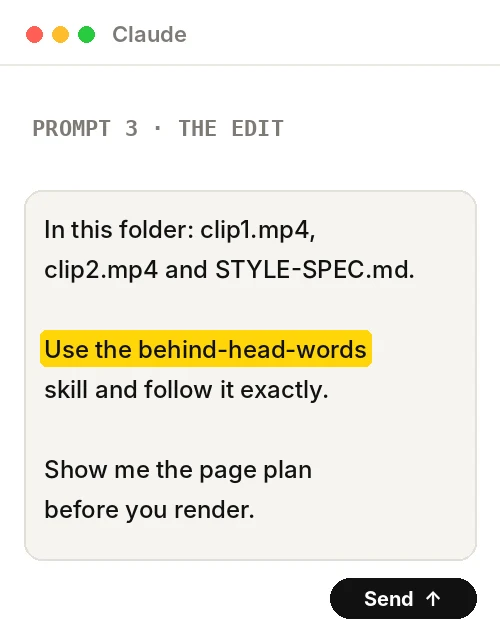
Drop the clips in a folder and paste Prompt 3. Claude shows you the page plan and the first 3 seconds before it renders.
$49 SALE Launch price for the first 100 buyers.
Buy on GumroadSecure checkout on Gumroad. Files are delivered instantly to your email.
No. You paste prompts and approve previews. Claude writes the code that renders every frame.
A Google Flow account for the image and the talking clip, and Claude with file and code tools (for example Claude Code) for the edit. Both have their own plans; the pack does not include them.
Yes. Film yourself sitting still in front of a plain wall, vertical, and skip steps 1 and 2.
Yes. The words on screen come from your script, so any language with a Latin, Cyrillic or Arabic font works.
No. You can use the style for your own and your clients' videos, but the prompts and files are for your use only.